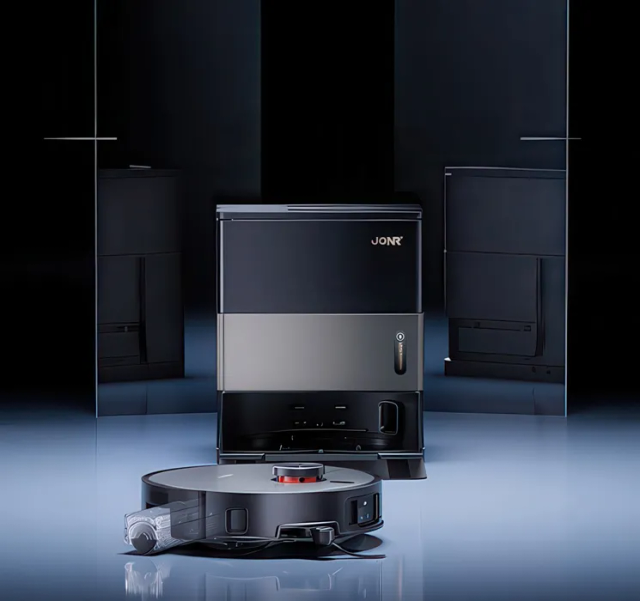
A robot localises itself by matching what its LiDAR or optical camera sees against its stored reference map. Change the dock location, start the vacuum from an arbitrary hallway, or rearrange enough furniture, and that mathematical match fails: the robot draws a second ghost map or tilts the entire room by 45 degrees. Here is how to lock your map down permanently.
Interactive Symptom Path Finder
Select what your vacuum is doing right now to jump straight to the exact step:
Always Start Every Cleaning Run from the Dock
Key Action: Anchor the localization reference coordinate (0,0)
Picking the robot up and pressing Clean in a random room is the single biggest cause of lost maps. The charging dock serves as the absolute coordinate origin (0,0) for the robot's SLAM algorithm.
Action Checklist:
- Never place the robot on the floor and tap Clean; send it from the dock via the app or dock button.
- If the robot gets stranded during a clean, carry it back to the dock and let it confirm its charging state before starting a new run.
If your robot says "Positioning...", don't touch it! Give it 30–45 seconds to spin 360 degrees and correlate its sensor data with the stored map.
Fix and Anchor the Dock Position
Key Action: Provide 50 cm clearance and mark base boundaries
If the dock gets bumped by a foot or a pet, the robot's return path and coordinate orientation become misaligned. Keep the base station securely anchored against a flat wall.
Action Checklist:
- Ensure at least 50 cm of open clearance on both sides and 1.5 m in front of the dock.
- Place the dock on hard flooring rather than deep carpet so it doesn't tilt.
- Apply two small pieces of painter's tape to the floor to mark the dock's exact corners.
Enable "Map Saving" and Multi-Floor Modes
Key Action: Prevent firmware from overwriting temporary floor scans
Certain models ship from the factory with automatic map persistence disabled. Without this setting, the robot treats every single clean as a brand new exploration run.
Action Checklist:
- Open your app's Map Settings.
- Toggle ON "Map Saving Mode" or "Multi-Level / Multi-Floor Maps".
- Lock the primary map as "Default" once a clean map has been generated.
Run a Dedicated "Quick Mapping" Pass
Key Action: Update the reference point cloud without cleaning
Moved your dining table or put up a Christmas tree? Don't send the robot on a full vacuum run immediately—run a fast mapping pass so it updates its SLAM reference.
Action Checklist:
- Open all interior doors and clear floor clutter (cables, shoes, pet bowls).
- Select "Quick Mapping" in the app—the robot will zoom through your rooms in 10 minutes without running the suction motor.
Delete & Rebuild Fragmented Maps Rather Than Merging
Key Action: Eliminate corrupted point clouds with a clean slate
If rooms are already overlapping, rotated at a 45° angle, or ghost walls appear, do not waste time trying to edit room dividers. A clean rebuild takes 10–15 minutes on LiDAR robots and eliminates months of frustration.
Action Checklist:
- Go to Map Management, select the corrupted map, and tap "Delete".
- Dock the robot, verify the sensors are clean, and launch a fresh Quick Mapping pass.
A fresh map rebuild takes less than 12 minutes on modern LiDAR robots like the JONR X9 Pro or Roborock S8.
Provide Adequate Ambient Lighting for Camera Robots
Key Action: Support vSLAM optical sensor navigation
Unlike LiDAR robots which see in total pitch black using laser pulses, camera-based robots (like earlier Roombas) rely on ceiling landmarks and door frames.
Action Checklist:
- Schedule optical camera robots during daylight hours.
- If running at night, leave hallway or accent lamps turned on so the upward-facing camera can identify reference points.
FAQ Troubleshooting Answers
Frequently Asked Questions
Why does my robot vacuum keep creating a new map instead of using the saved one?
Because it was started away from the dock, the dock was moved slightly, or Map Saving mode was disabled in your app. Always start runs from the dock.
Can mirrors or floor-to-ceiling glass windows break the map?
Yes! Mirrors create "ghost rooms" where the laser sees through the glass. Set a virtual "No-Go Wall" along mirrors and glass sliders to seal off the map.
Is It Time to Upgrade Instead of Repair?
If your vacuum cleaner is more than 5 years old, has recurrent motor loss, or replacement parts exceed 40% of its value, modern replacements deliver dramatically higher suction, tangle-free brushrolls, and sealed HEPA filtration.